How to install
Just 6 simple steps. Do it on your computer, in Google Chrome.
Video: install in 1 minute
Install video coming soon
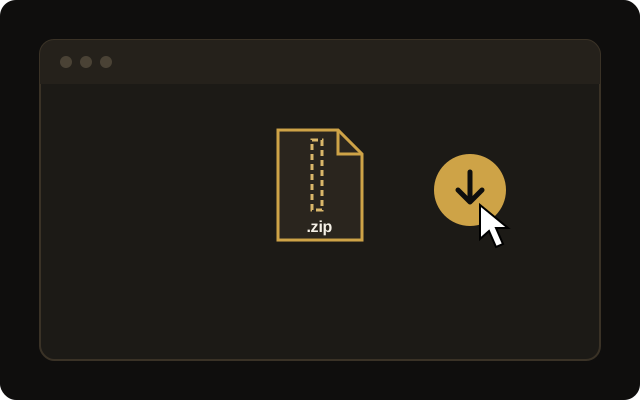
Download the .zip file
Use the download button on the purchase page or in the email you received.
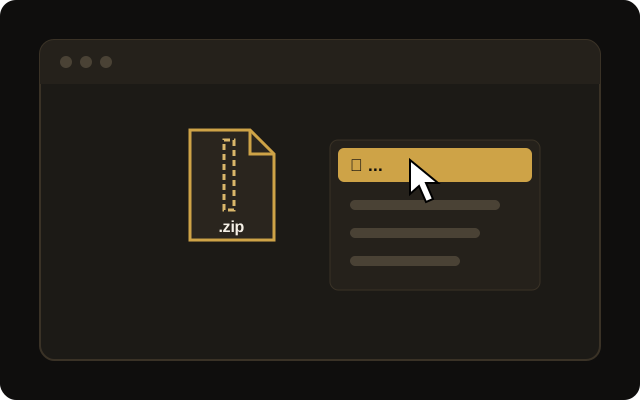
Extract the file
Right-click the downloaded file and choose "Extract All". On a Mac, just double-click it.
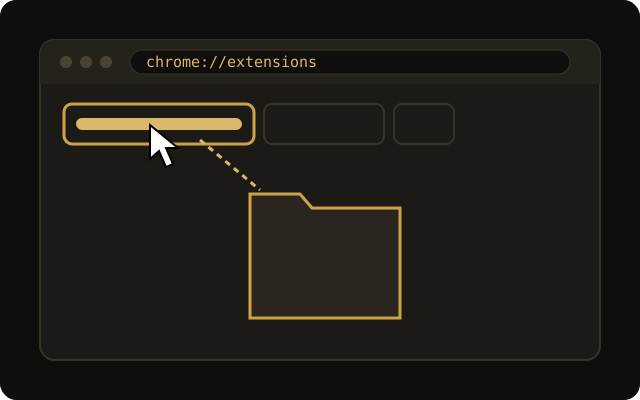
Open Chrome extensions
In Chrome's address bar, type
chrome://extensionsand press Enter.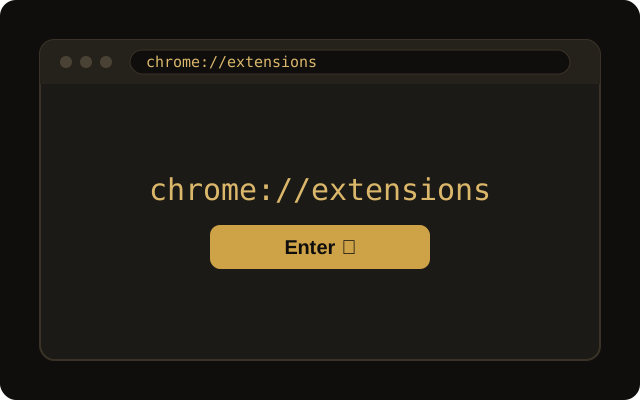
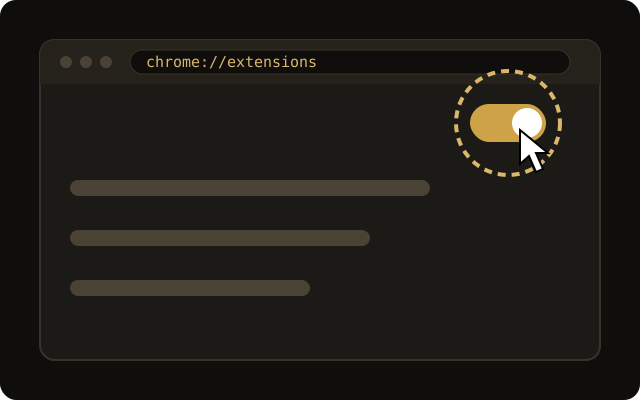
Turn on "Developer mode"
It's a switch in the top right corner of the screen. Click it to turn it on.
Click "Load unpacked"
Choose the folder you extracted in step 2.
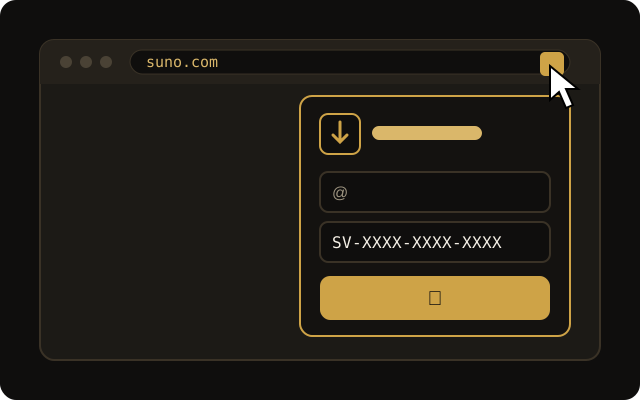
Enter your email and code
Click the SunoVoult icon, type your email and access code. Done!
Have a question? Contact support, we will help you. suporte@sunovoult.com